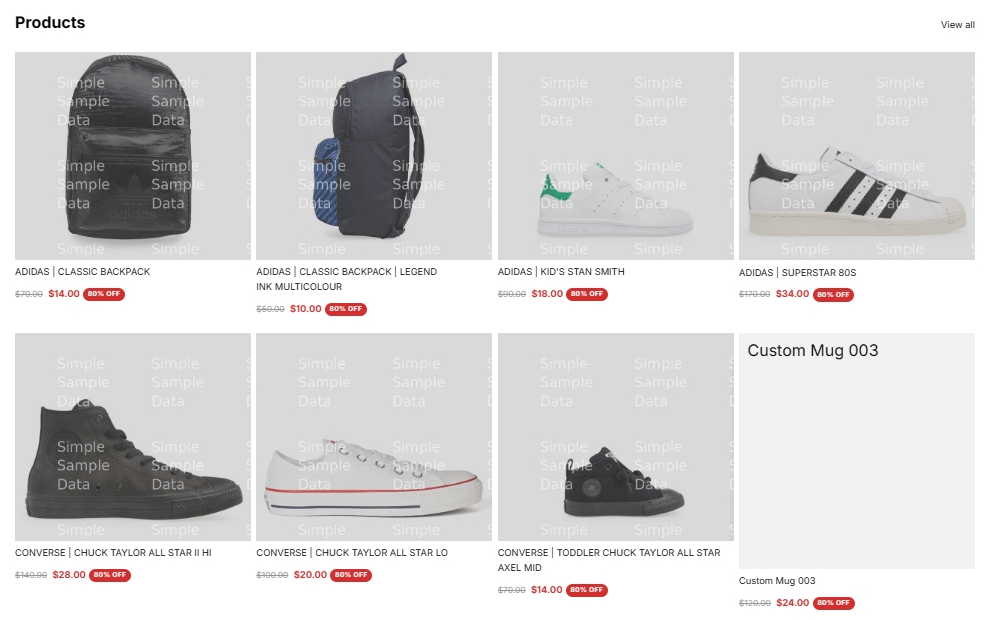
Turn it on
1
Open Discount prices
Open Discount prices in the app navigation.
2
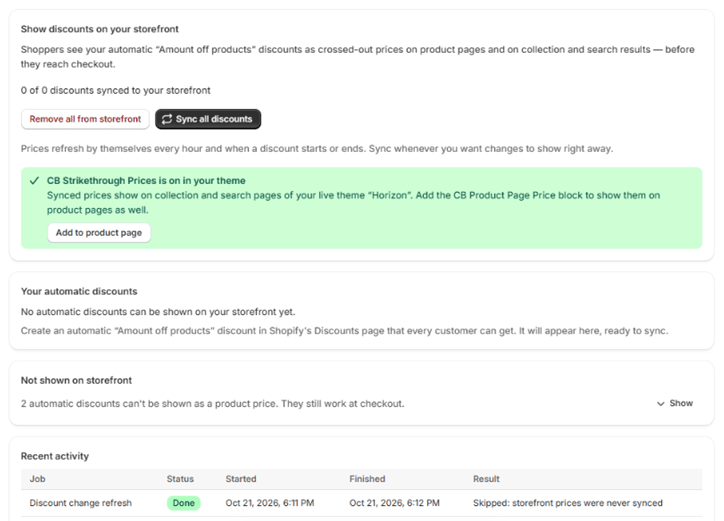
Enable the theme embed
Turn on the CB Strikethrough Prices app embed in your theme. Shoppers only see the prices while the embed is on, and the page shows whether it is on or off.
3
Sync your discounts
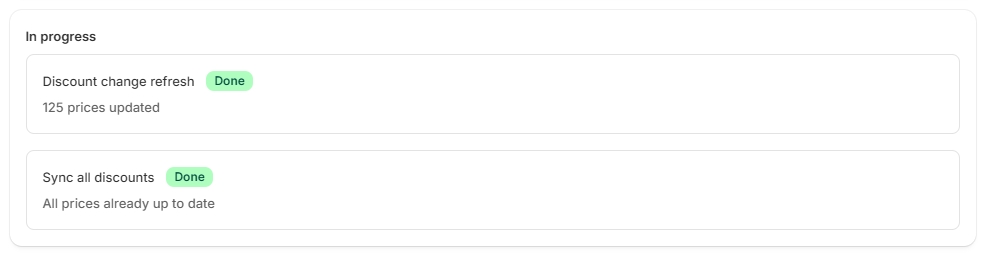
Start a sync so the app calculates discounted prices for your products. Progress appears under In progress.

Banners you may see
Only automatic discounts are shown as strike-through prices. Discounts that need a code are not, because the shopper may never enter one.