Export
On the campaign list, open a campaign’s More actions menu and choose Export. The browser downloads a file namedCB_Discount_Engine_Pro_<campaign title>.json.
The file holds the campaign’s full configuration: type, qualifiers, eligible products and discount values.
Import
1
Open Import Campaign
On the Manage page, click Import Campaign.
2
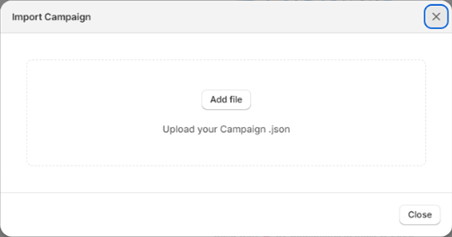
Upload the file
Drop the
.json file into Upload your Campaign .json, or click to choose it.3
Import
Click Import. The app creates a new campaign from the file and confirms: “Campaign imported and created successfully!”
Importing never overwrites an existing campaign. It always creates a new one, and it counts toward your plan’s campaign limit.