Create one
1
Open the form
On the Home page, click Create on the Discounts Functions card and choose Unified Discount.
2
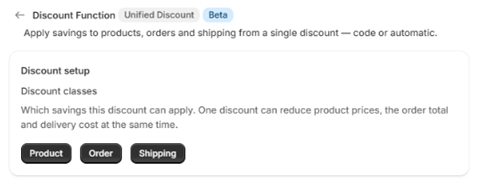
Choose the discount classes
Under Discount classes, tick which savings this discount can apply: Product, Order and Shipping. One discount can reduce product prices, the order total and the delivery cost at the same time.
3
Set up each part
For each class you ticked, fill in its section: Product discounts, Order discounts and Shipping discounts. Each section uses the same qualifiers and discount values as a standalone campaign of that class.
4
Schedule and save
Choose automatic or code, set the dates and save. See Schedule and save.
A unified discount counts as one campaign toward your plan’s limit, however many classes it uses.